

.avif)
Turn your data into better business decisions
Classic Reports in JobNimbus help you clearly see what’s happening across your account so you can take action with confidence.
With Classic Reports, you can:
- Improve cash flow by identifying outstanding balances
- Increase close rates by tracking estimates and sales performance
- Boost team accountability with task and team activity reports
- Maintain data integrity with activity logs and file recovery tools
Learn how to use
Classic Reports
Choose the learning path that fits your goals:
Quick-start videos
Fast and practical learning, ideal for busy contractors who want immediate clarity.
Creating Classic Reports
Learn how to generate, customize, and export reports that support your daily operations.
Step-by-step courses
In-depth training designed to help you move beyond basic reporting and use data strategically

Classic Reports
Build, filter, and analyze reports to improve sales tracking, production visibility, and financial oversight.

Knowledge base
Detailed guides, setup instructions, and troubleshooting resources to support your build.

Recommended
next steps
If you're just getting started:
- Run an Unpaid Invoices report to review cash flow
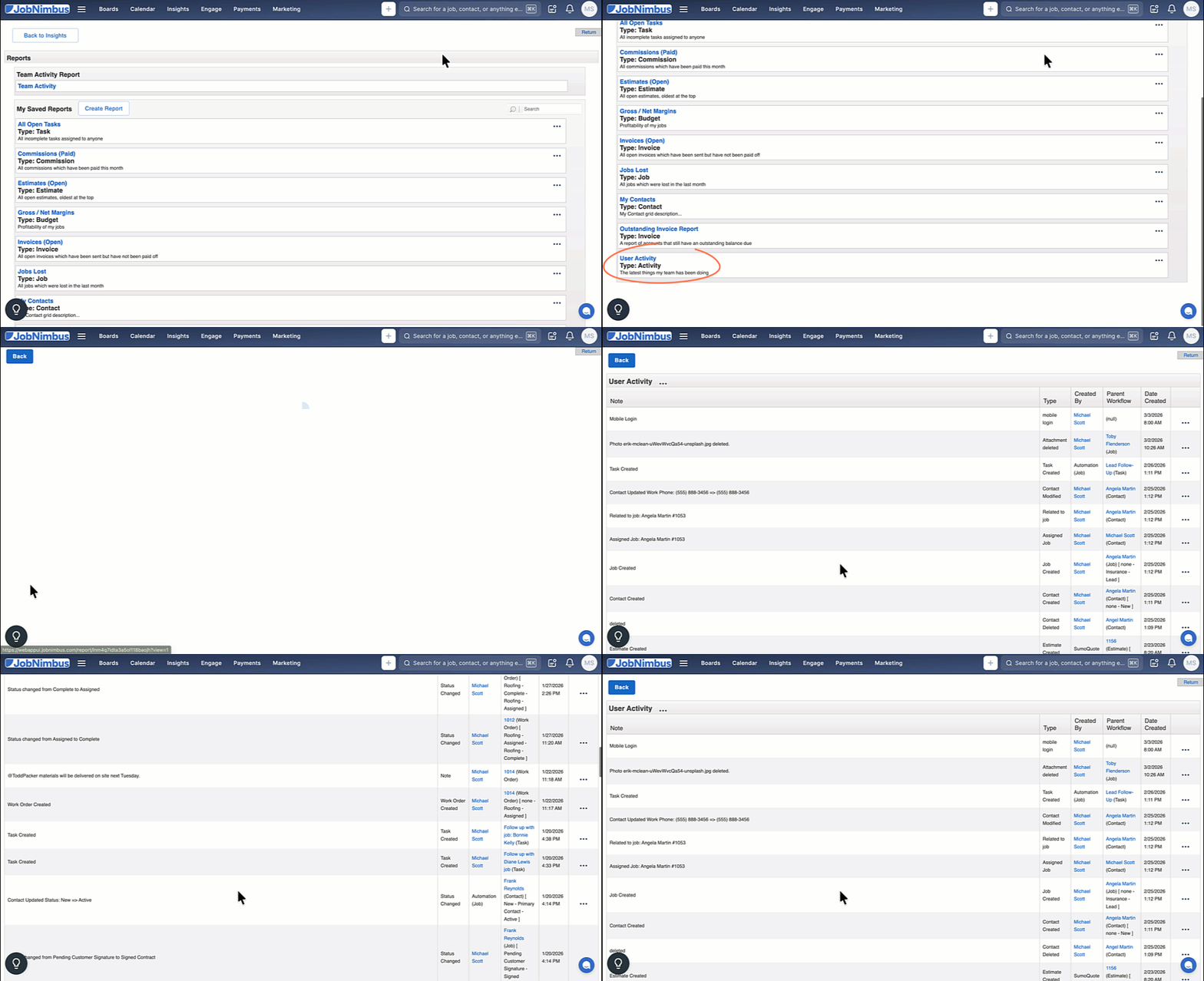
- Review the User Activity Report to see what changes have been made in your account.
- Create a Sold Jobs report to to track revenue, measure sales performance, forecast upcoming work, and plan production and materials for scheduled projects.
- Generate a Days in Lead Status report to to identify sales pipeline bottlenecks, improve follow-up speed, and increase close rates.
Learn how to build reports
Feedback
Please take a moment to complete this brief survey to help us improve our resources.